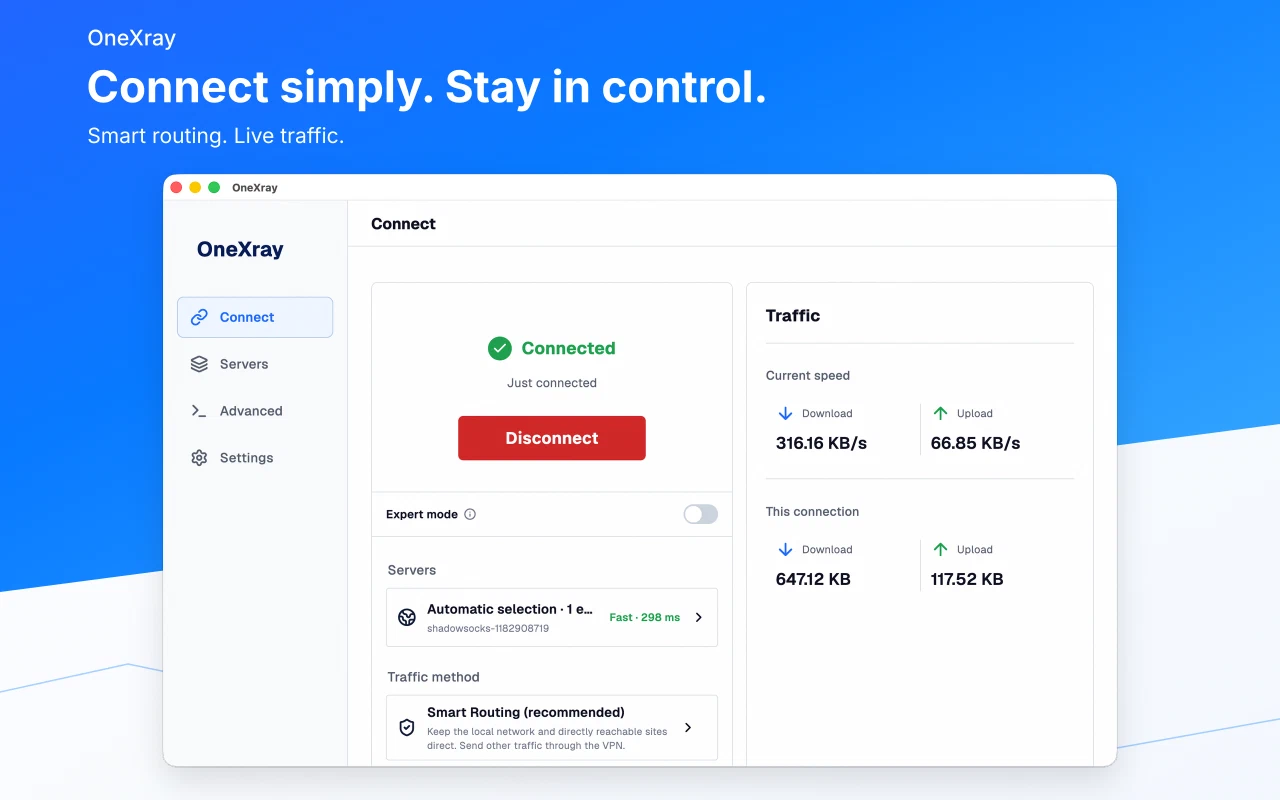
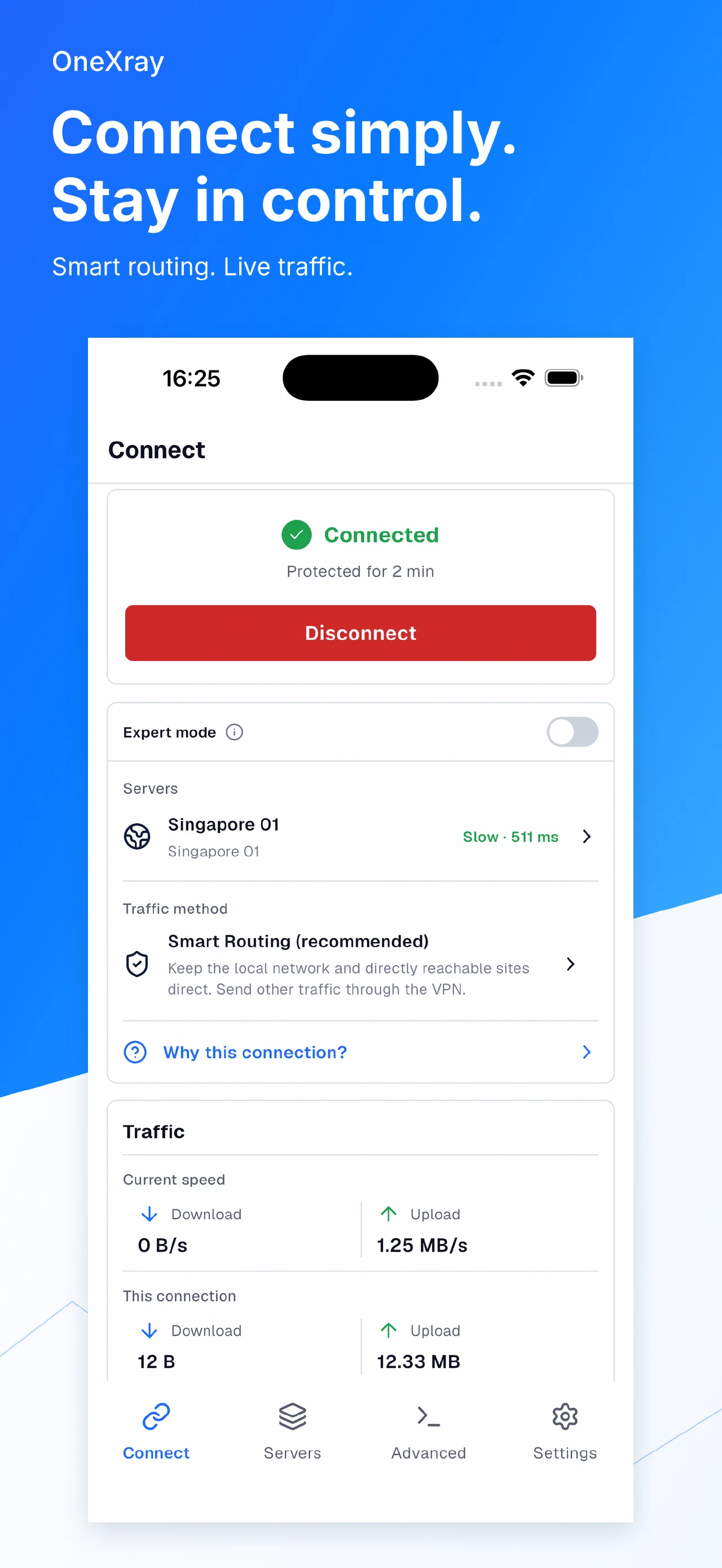
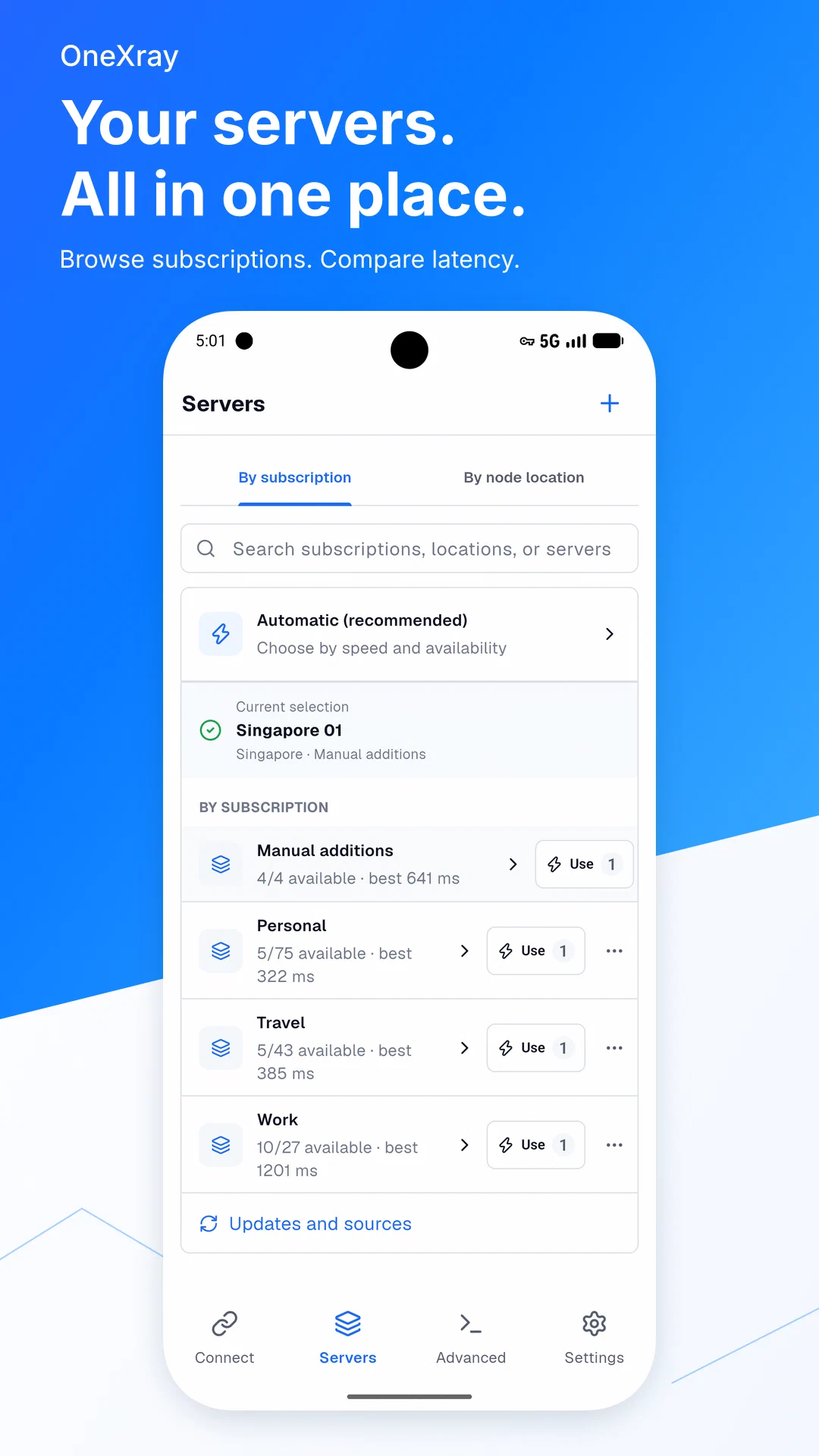
OneXray is a cross-platform Xray-core client for iOS, macOS, Android, Windows, and Linux.
The app is organized around four primary areas:
| Area | Purpose |
|---|---|
| Home | Connection state, Rule/Global/Direct routing, the active Xray Profile, traffic, location, and the node list. |
| Subscriptions | Subscription sources and their outbound nodes. |
| Core | TUN, Ping, Xray Profiles, GeoData, logs, and the generated Final Config. |
| Settings | Updates, startup behavior, backup, appearance, language, support, versions, credits, and privacy. |
Phones use bottom navigation. Tablets and desktops use a navigation rail. The responsive editors keep the same fields while adapting their navigation and layout to the available width.
Download#
| Platform | Requirements | Download |
|---|---|---|
| iOS | iOS 15.0 and above, arm64 | App Store, IPA |
| macOS (Mac App Store) | macOS 13.0 and above, Apple silicon or Intel | App Store |
| macOS (Outside App Store) | macOS 13.0 and above, Apple silicon or Intel | Homebrew: brew install --cask onexrayse, Universal ZIP |
| Android | Android 10.0 and above, arm64-v8a or x86_64 | Google Play, Universal APK |
| Windows x86_64 | Windows 10 or Windows 11 | winget: winget install --id YuanDevLLC.OneXray -e, EXE, ZIP |
| Windows ARM64 | Windows 11 | winget: winget install --id YuanDevLLC.OneXray -e, EXE, ZIP |
| Linux x86_64 | GLIBC >= 2.39 | DEB, ZIP |
| Linux arm64 | GLIBC >= 2.39 | DEB, ZIP |
Self-installing the iOS IPA requires a paid Apple Developer Program account because its Packet Tunnel extension uses the Network Extension capability.
See Install for platform-specific setup.